


It's 11 a.m. and a patient arrives for a follow-up. The front desk looks for the file. Five minutes pass. Ten minutes pass. It's on someone's desk, in the wrong folder, or the doctor took it home last night. The patient waits, the doctor waits, and three more people join the queue.
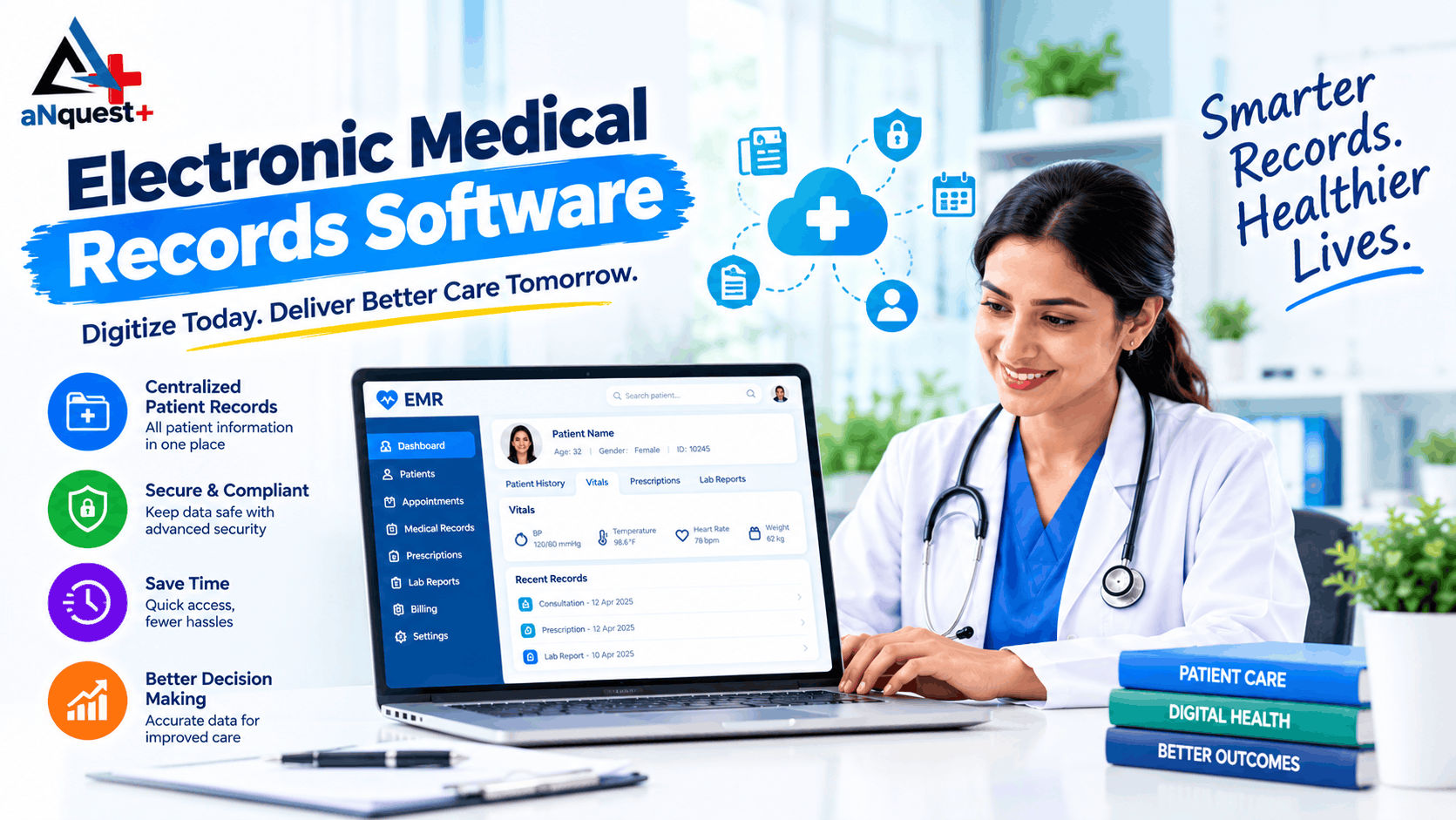
Electronic medical records (EMR) software is a digital system that stores a clinic's patient records in one place: history, diagnoses, prescriptions, test reports and appointments. Staff search by name or phone number and the full record opens in seconds. It replaces paper files, and for most small and mid-sized clinics it is the first step towards running a more organised practice.
This guide covers what EMR software does, what Indian clinics should check before buying (including ABDM and data protection), what affects cost, and how to switch from paper without disrupting patients.
What is electronic medical records software?
EMR software is a digital version of the paper file your clinic keeps for each patient. A typical system stores:
- Patient details and contact information
- Visit history and doctor's notes
- Diagnoses and treatment plans
- Prescriptions
- Lab results and scanned documents
- Appointments and follow-ups
Everyone with the right permissions sees the same record, so there is one version of the truth instead of several folders.
EMR vs EHR: what's the difference?
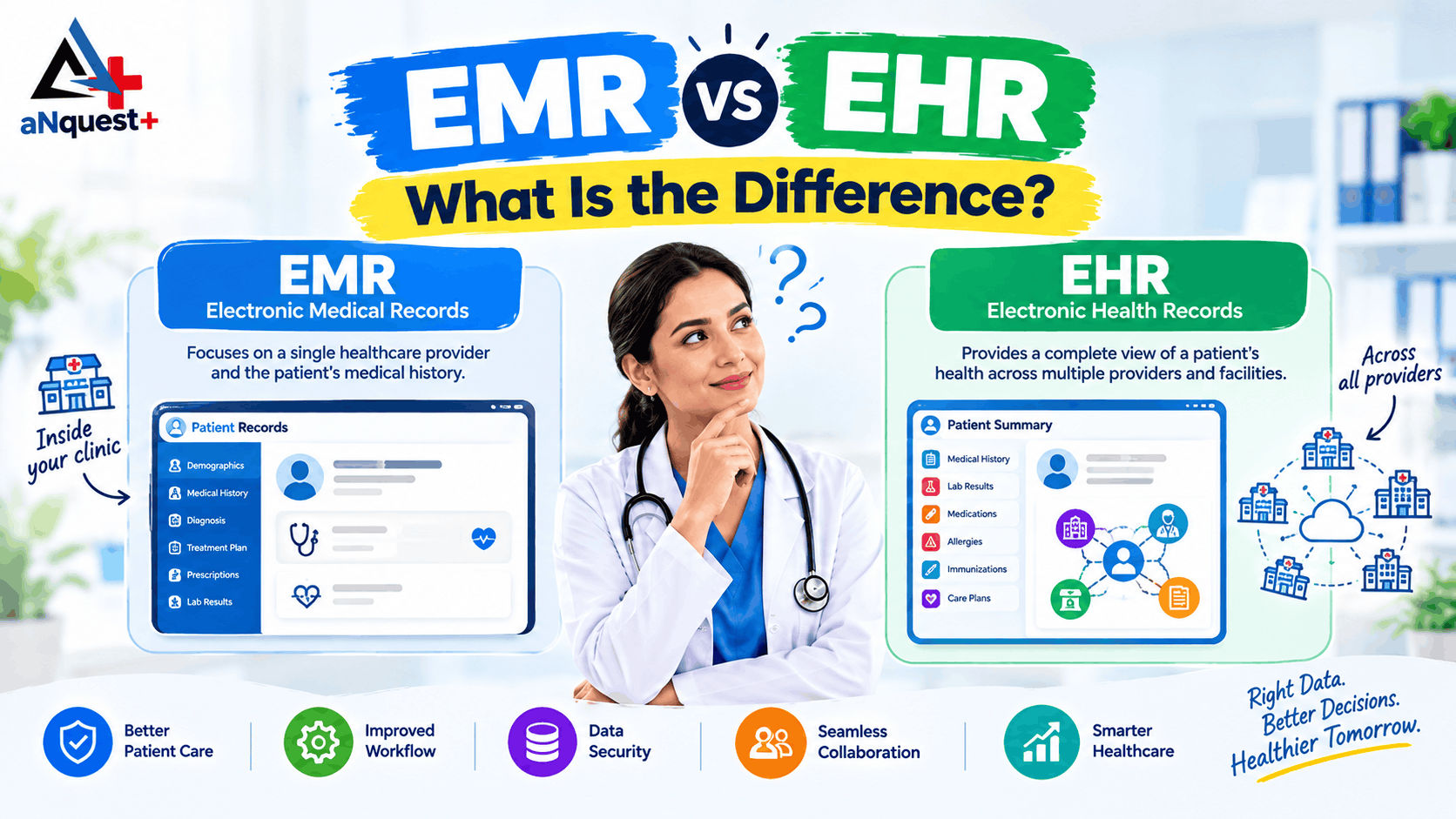
The two terms are often used interchangeably, but they are not the same.
| EMR (electronic medical record) | EHR (electronic health record) | |
|---|---|---|
| Where it lives | Inside one clinic or practice | Designed to be shared across providers |
| Main purpose | Run day-to-day care and clinic workflow | Give a longer, connected view of a patient's health across providers |
| Typical user | Single clinics, small and mid-sized practices | Larger hospitals and networks |
In India, shared records are increasingly linked to the Ayushman Bharat Digital Mission (ABDM), where a patient's records can be linked to an ABHA health ID and shared with their consent. For most clinics, an EMR is the right starting point, and choosing one that can connect to ABDM later keeps your options open. For a fuller comparison, read EMR vs EHR: what is the difference.
What paper files really cost your clinic
The costs of paper are easy to overlook because they are spread across the day:
- Time. Staff search for files, rewrite the same details at every visit and handwrite prescriptions.
- Missing history. When a file can't be found, the doctor consults without it.
- Errors. Illegible handwriting leads to misread prescriptions.
- Weak security. Anyone can pick up a file. Paper is also easily damaged by water, fire and age.
- No visibility. How many patients did you see this month? Which medicines run out fastest? Which day is busiest? With paper, someone has to count by hand.
How EMR software helps a clinic
1. Patient history in seconds
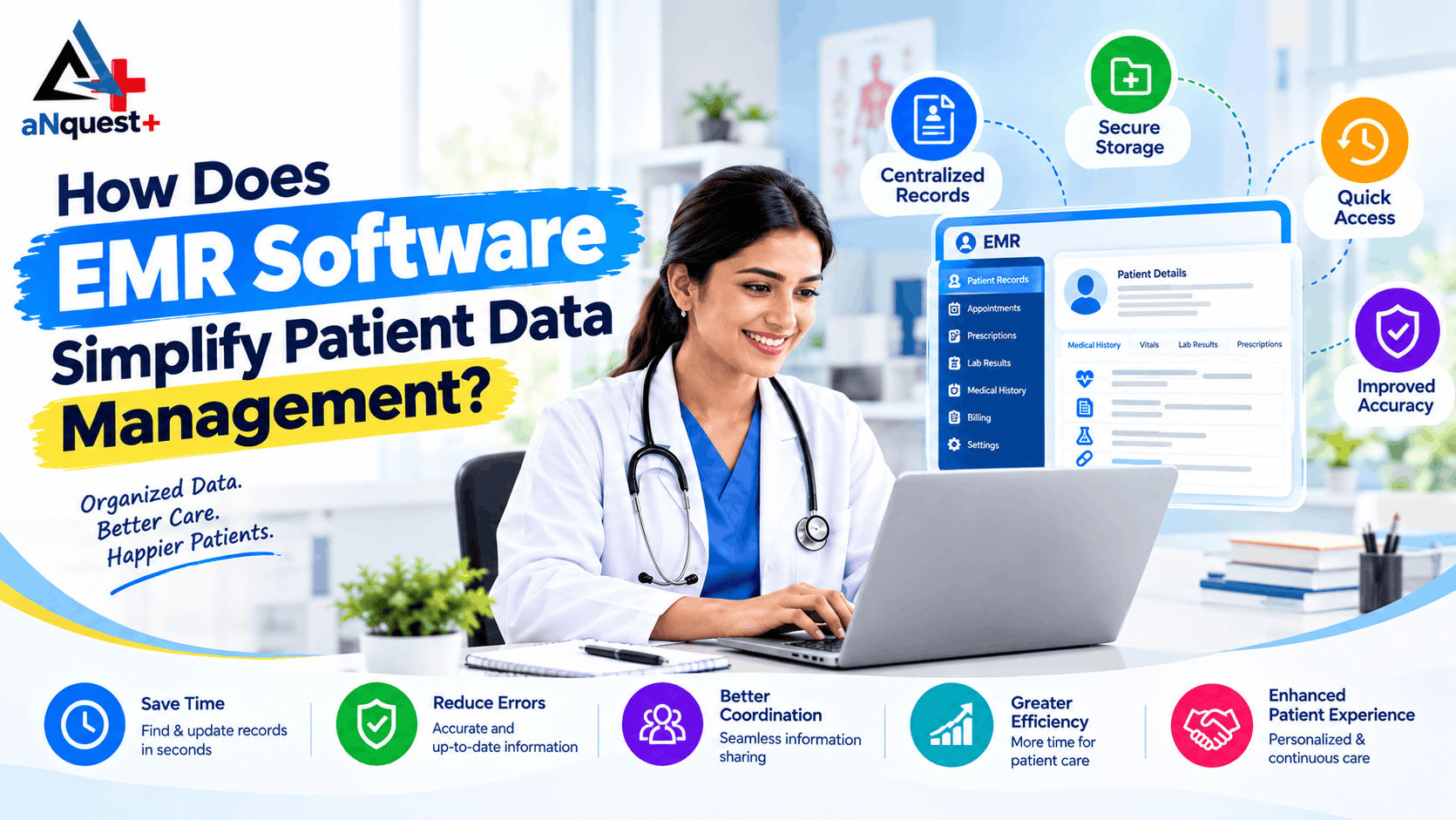
Search by name or phone number and the record opens with previous visits, allergies, past prescriptions and test results. The doctor sees the history before the patient sits down, which leaves more of the consultation for the patient. For a closer look at how records are organised day to day, see how EMR software simplifies patient data management.
2. No lost or duplicate files
Each patient has one record. Nothing is left on a desk or taken home, and a patient who last visited two years ago still has their history. Good systems also flag possible duplicates, such as the same person entered with a slightly different spelling.
3. Faster, clearer prescriptions
The doctor selects the medicine and dosage, then prints or shares the prescription. It is legible, consistent and saved automatically. (You can see how this works in the aNquest+ EMR app.)
4. A calmer front desk
When records are linked to appointments, the front desk can see who is expected, who is waiting and who is due for a follow-up. That means fewer phone calls and fewer double bookings. (If queues are your main problem, patients can also book OPD slots themselves through DoctQuest.)
5. Records, billing and pharmacy in one flow
A basic tool stores records. A fuller system links records, billing, pharmacy stock and reports so information is entered once. When the consultation ends, the prescription is written and the bill is created, the pharmacy can see what to dispense.
6. Reports from real data
Once records are digital you can see patterns: patients seen today, revenue this month, most common treatments, fastest-moving medicines. Decisions about staffing, stock and timings can rest on numbers instead of guesswork.
7. Controlled access
You decide who sees what. A receptionist doesn't need clinical notes and a doctor doesn't need to edit billing. Compare that with a filing cabinet with a simple lock.
Features to look for
Use this as a checklist when you compare vendors.
| Feature | Why it matters | What to ask the vendor |
|---|---|---|
| Fast patient search and one record per patient | Saves time at every visit | How does the system handle duplicates? |
| Templates for your specialty | A dentist and a general physician document differently | Can I edit templates and fields myself? |
| E-prescriptions | Legible, saved, shareable | Can I save my frequently used medicines and doses? |
| Appointments and follow-ups | Keeps the front desk organised | Does it send reminders? |
| Billing and pharmacy stock | Avoids entering the same data twice | Are these included or separate? |
| Role-based access | Protects patient privacy | Can I set different permissions per staff member? |
| Backups | Protects against data loss | How often are backups taken and where are they stored? |
| Mobile access | Doctors move between rooms and clinics | Is there an app, and what works offline? |
| Reports | Shows how the clinic is performing | Which reports come as standard? |
| Support | Problems happen during clinic hours | What are the support hours and response times? |
What Indian clinics should check: ABDM and data protection
Two areas are worth raising with any vendor.
ABDM readiness. ABDM lets patients link their records to an ABHA health ID and share them with consent. If you plan to create or link ABHA IDs, or take part in ABDM-linked services, ask whether the software is ABDM-enabled and ask to see proof of certification. You can cross-check with the official ABDM website before you sign. aNquest+ describes its EMR architecture as ABDM-ready; contact the team for certification details.
Patient data protection. India's Digital Personal Data Protection (DPDP) Act, 2023 and the DPDP Rules, 2025 apply to personal data, which includes patient information. The Rules were notified on 13 November 2025 and are being phased in, with most substantive obligations (such as notice and consent, patient rights, security safeguards and breach notification) due around May 2027. Ask your vendor how its software supports consent, access control and breach handling, and speak to a legal adviser about what your clinic needs to do. This guide is general information, not legal advice.
Mobile access matters
Doctors rarely sit at one desk all day. They move between consulting rooms, wards and sometimes several clinics, and they get calls after hours. A mobile app lets them check a patient's history without going back to a computer.
The aNquest+ EMR mobile app is made for doctors, nurses and clinic staff, and built for Indian healthcare providers. It includes:
- Digital patient records: full EMR charts, vitals, allergies and visit history
- E-prescriptions: create, sign and share
- Scheduling: appointments, follow-ups and doctor availability
- Role-based access: separate permissions for doctors, nurses and admin staff
- Multi-user clinics: coordination between departments
- Clinical insights: patient flow, revenue and key clinic figures
Download the aNquest+ EMR app from Google Play
Who should use EMR software?
Almost any clinic that sees patients regularly.
- Single-doctor clinics that want to stop losing time to paperwork (see how to manage patient records without hiring more staff)
- Multi-doctor clinics where everyone needs the same up-to-date record
- Specialist clinics (dental, skin, paediatrics, physiotherapy and others) that need their own fields and templates
- Small hospitals and nursing homes that also manage beds, operating theatres and pharmacy
If your team spends noticeable time on files, handwriting and manual counting, EMR software is worth evaluating, whatever your size.
How to choose EMR software
- Is it easy to use? If staff need weeks of training they may drift back to paper. Ask for a trial with your own team. Our EMR software buying guide for India goes deeper on comparing systems.
- Does it fit your specialty? Look for flexible templates and fields.
- Does it do more than store records? Appointments, billing, pharmacy and reports should be included or well integrated.
- Is there a mobile app? For many doctors this decides whether the system gets used.
- How is data protected? Ask about encryption, user roles, backups and how the vendor supports DPDP compliance.
- Is it ABDM-ready? Ask if the vendor is ABDM-enabled, if that matters for your plans.
- What support is available? Ask about hours, channels and response time during clinic hours.
- What is the full cost? See the next section.
What does EMR software cost?
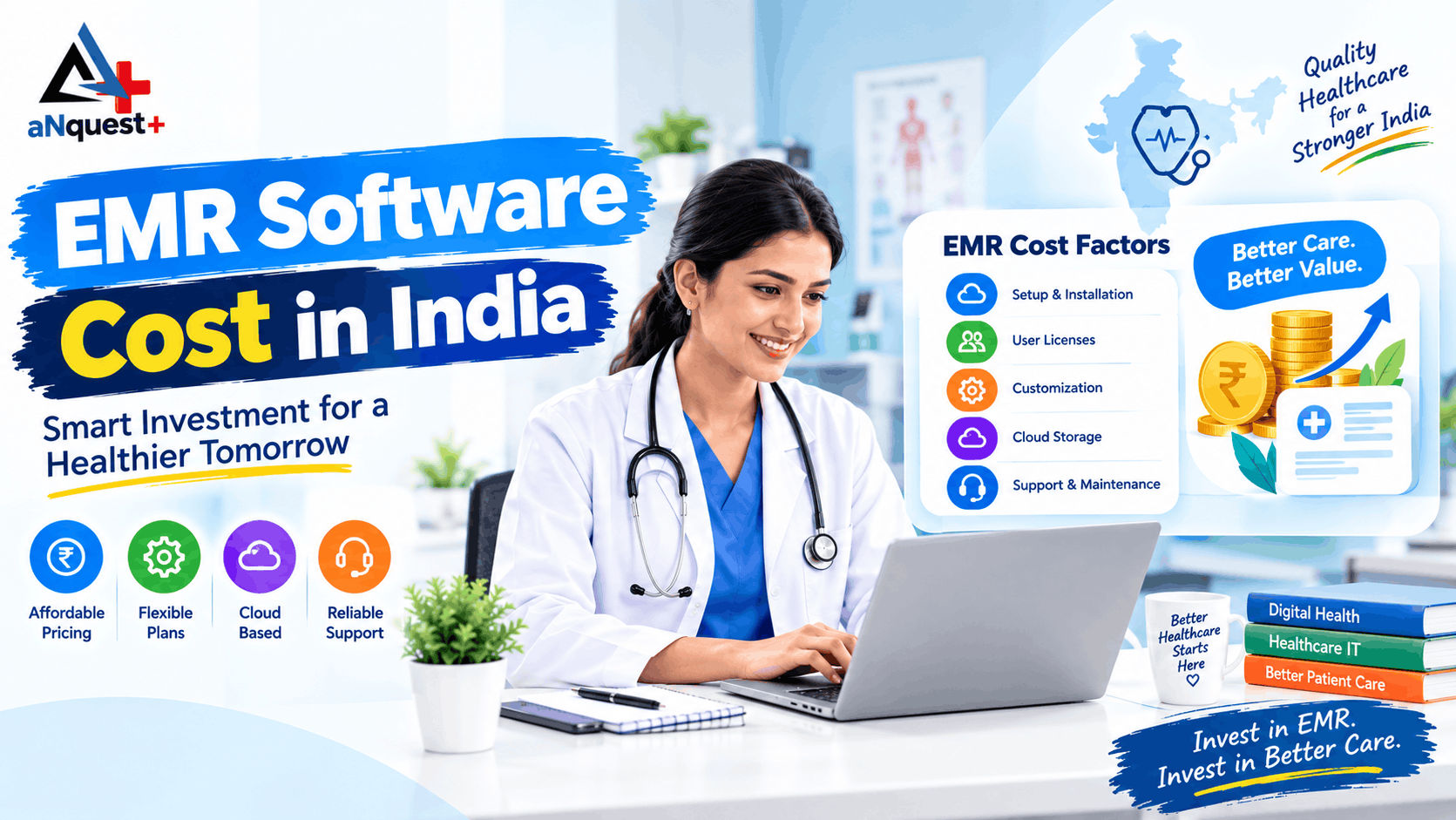
Prices vary widely, so compare like with like. Our guide to EMR software cost in India lists published price ranges, pricing models and hidden costs. The main factors are:
- Pricing model: monthly or annual subscription, or a one-off licence
- Number of doctors and users
- Modules: records only, or records plus billing, pharmacy, inpatient and bed management
- Setup and data import: whether old records are entered or imported, and who does it
- Training and support: included, or charged separately
- Hosting: cloud-based or installed on your own systems
- Add-ons: SMS or WhatsApp messaging, extra locations, custom reports
Ask for a written quote that lists setup, training, support and renewal costs, so there are no surprises in year two. You can request a quote from aNquest+ based on your doctor count and modules.
Moving from paper to EMR
Most clinics worry about the switch itself: will we lose data, will staff struggle, will patients wait? A gradual approach keeps the risk low.
- Start with new patients. Create digital records for everyone who visits from now on.
- Add old records as patients return. You don't need to scan every file on day one.
- Train one or two people first. They can help the rest of the team.
- Use the system every day. Habit forms faster than most clinics expect.
- Keep paper as a short-term backup. Overlap for a limited period, then retire it.
The timeline depends on the size of your clinic and how much history you import, so ask your vendor for a written rollout plan.
Common myths about EMR software
"It's too expensive for a small clinic." There are options built for small and mid-sized clinics, and costs depend on the modules you choose (see typical EMR price ranges for Indian clinics). Compare the price against the time you spend on files and manual work today.
"My staff won't learn it." Software that is easy to use is usually learned faster than people expect, especially by staff who already use smartphones daily.
"Paper is safer." Paper has no access control, no backup and no audit trail. A well-configured EMR has role-based access and backups, though security always depends on how the system is set up and used.
"It will slow down my consultations." It can feel slower in the first days. Once templates and favourite prescriptions are set up, most doctors find it saves time.
aNquest+ and DoctQuest
aNquest+ is built around the idea that records, billing and pharmacy should work together. Its modules cover clinic registry, directories, bed and OT allocation, pharmacy stock, and billing and claims. See the aNquest+ services page for the full range.
DoctQuest is the patient-facing side of the aNquest+ EMR. Patients use it to find verified doctors and clinics nearby, book OPD slots, download prescriptions and keep their own health records. Doctors log in through their aNquest+ EMR to publish OPD slots and teleconsultation timings, issue digital prescriptions and, with the patient's consent, view the patient's history. Hospitals and clinical facilities can switch the DoctQuest module on so that consultant rosters, departments and OPD slots sync automatically.
In short, you run your clinic on the EMR and patients find and book you through DoctQuest. DoctQuest requires aNquest+ EMR on the provider side.
Frequently asked questions
What is the difference between EMR and EHR?
An EMR is the digital record kept within one clinic or practice. An EHR is designed to be shared across different healthcare providers. Most small clinics start with an EMR. Read the full EMR vs EHR comparison.
Is patient data safe in EMR software?
It can be safer than paper when the software has role-based access, encryption and regular backups, and the clinic uses them properly. Ask your vendor how each is handled.
Can I use EMR software on my phone?
Yes, if the vendor offers a mobile app. aNquest+ has an EMR app on Google Play for managing records, prescriptions and appointments.
Do I need ABDM-compliant EMR software?
It depends on your plans, for example creating or linking ABHA IDs or taking part in ABDM-linked services. Check current requirements on the official ABDM website or with your vendor, and ask for proof of certification.
How much does EMR software cost in India?
It depends on the number of doctors, the modules, setup and training, and hosting. Ask for a written quote that includes all of these, and see our EMR software cost in India guide for price ranges.
How long does it take to start using EMR software?
It depends on your clinic's size and how much history you import. Starting with new patients and adding old records gradually keeps the switch simple.
Does EMR software include billing and pharmacy?
It varies. Some tools only store records. Fuller systems such as aNquest+ also cover billing and pharmacy stock.
What is DoctQuest?
DoctQuest is the patient app that works with the aNquest+ EMR. Patients find doctors, book OPD slots and keep their records in one place. Doctors and hospitals use it through their aNquest+ EMR access.
Conclusion
Paper files made sense when clinics were smaller and life was slower. Today they cost time, invite errors and hide how your clinic is doing. EMR software won't make you a better doctor, but it removes daily hassle so you can spend more time with patients.
If you're ready to stop losing time and files, see how aNquest+ EMR could fit your clinic. Download the app from Google Play, or talk to the team.