

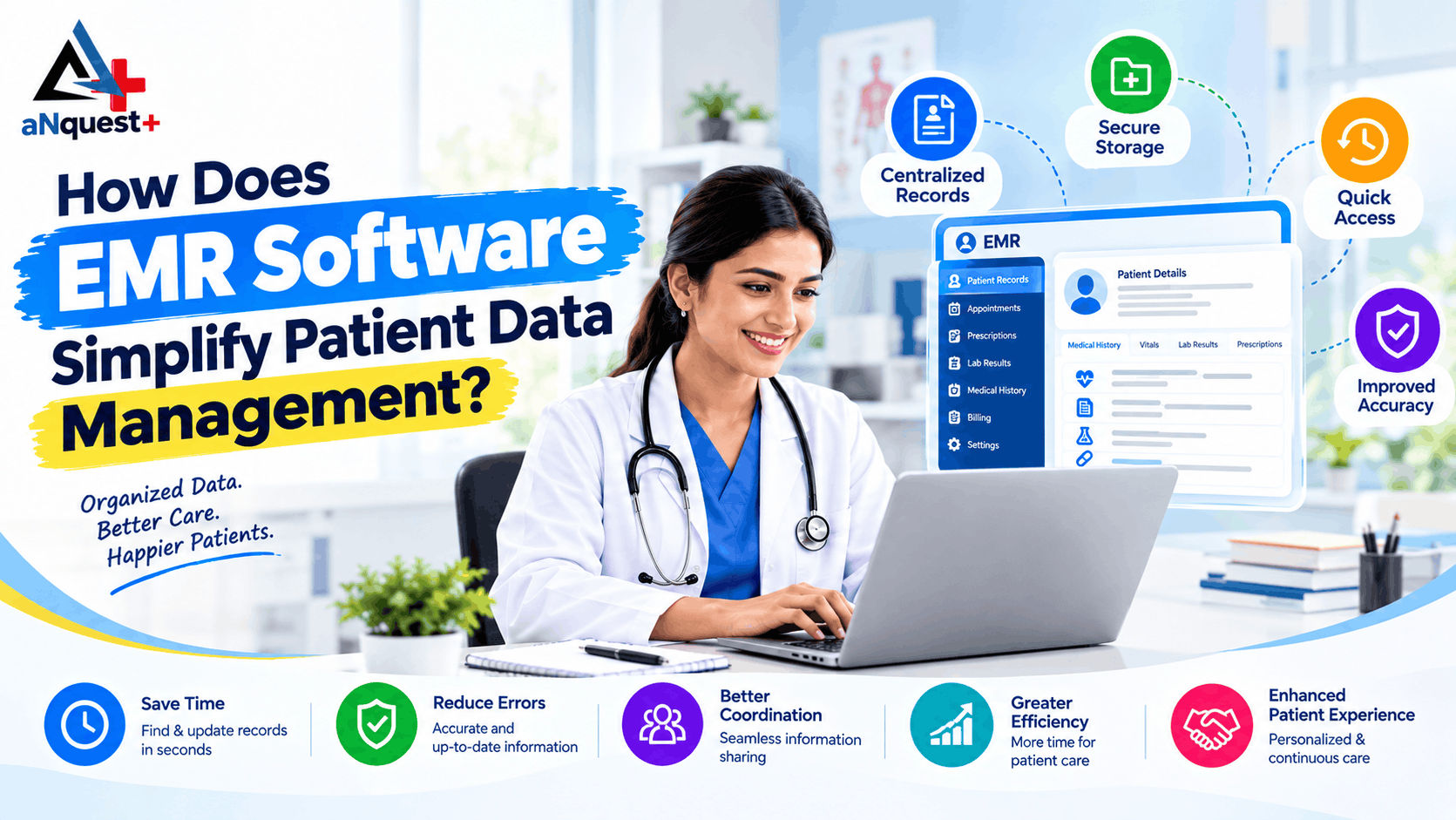
EMR software simplifies patient data management by replacing scattered paper files and spreadsheets with one secure digital record for every patient. Doctors, front desk and pharmacy staff can find, update and share information quickly, which means faster care, fewer errors and far less paperwork.
That is the short answer. If you are deciding whether your clinic or hospital should make the switch, the questions below cover what actually changes, what it asks of your team, and what to check before you choose a system.
What is EMR software, in simple words?
An Electronic Medical Record (EMR) is the digital form of a patient's paper chart. HealthIT.gov describes it as the record kept inside one clinician's office, clinic or hospital, used mainly for diagnosis and treatment.
EMR software is the system that builds, stores and protects those charts. It usually ties them to the work a clinic does every day: booking appointments, writing prescriptions, billing and reporting.
Think of it as replacing a wall of file cabinets with one organised, searchable, lockable digital cabinet that only the right people can open. If the terms confuse you, our guide on EMR vs EHR explains where one ends and the other begins.
What goes wrong when patient data is not centralised?
Patient information is created in many small moments: at registration, in the consultation room, at the lab counter, at the pharmacy and at billing. When each moment is recorded in a different notebook or app, the same problems keep coming back:
- A file cannot be found when the patient is already in the room.
- The same details are written down two or three times.
- Handwriting leads to guesses and misreadings.
- Test results arrive late or reach the wrong place.
- Nobody has a clear, current view of the patient.
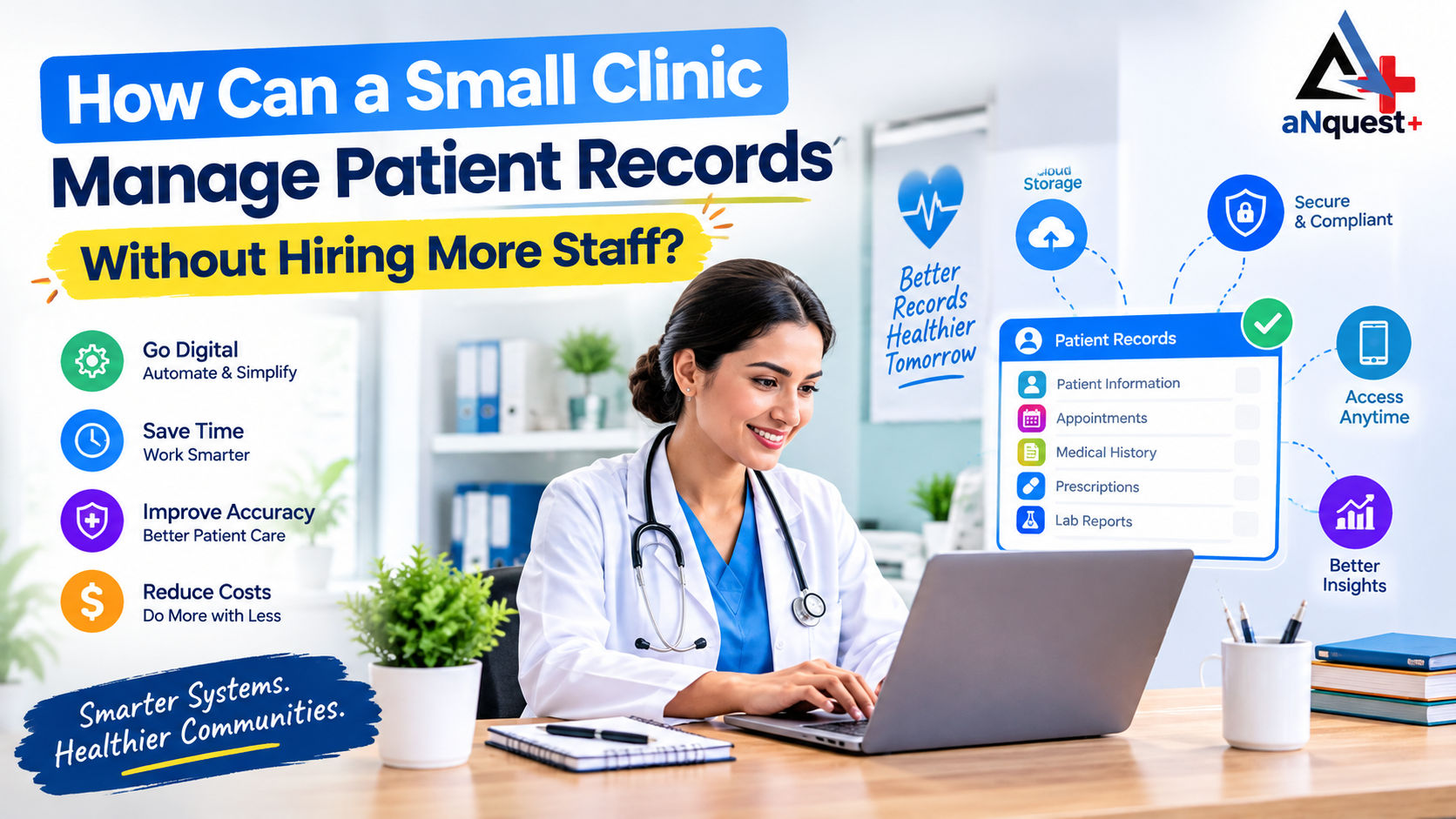
Small gaps like these add up to wasted hours and avoidable risk. If you run a small practice and worry about paying extra staff just to keep files in order, read how to manage patient records without hiring more staff.
How exactly does an EMR simplify patient data management?
Does it keep everything about a patient in one place?
Yes. Each patient gets a single profile with demographics, history, vitals, diagnoses, prescriptions and visit notes. The doctor, nurse, pharmacist and billing desk all see the same up-to-date information instead of passing around separate copies.
Does it speed up registration?
Yes. Details are typed once, at the point of care, into structured fields. Required fields and dropdowns cut down missing or unreadable entries, and returning patients only need a quick confirmation.
How quickly can staff find a record?
Usually in moments. Search works across patient details, doctor schedules, pending lab requests and invoices, so a missing file stops being a daily emergency.
What happens to prescriptions?
They become clear, stored and traceable. A digital prescription sits inside the patient's history and can connect to pharmacy billing, so what was prescribed and what was dispensed can be matched without manual cross-checking.
Can it help with appointments and follow-ups?
Yes. Doctor slots, operation theatre schedules and bed occupancy can sit in one calendar. Automated confirmations and reminders, including WhatsApp messages, can help reduce no-shows and keep follow-up care on track.
Does it help different departments work together?
Yes. OPD, IPD, ICU, lab and radiology can each follow their own workflow while writing to the same patient record, so reports reach the right chart without being retyped.
Can it show how the clinic is performing?
Yes. Dashboards turn records into charts on patient flow, appointment volume, department activity and revenue, filtered by date range. Owners and administrators get facts to decide with, not guesses.
What does the daily difference look like?
|
Daily task |
Without an EMR |
With an EMR |
|---|---|---|
|
Locating a patient file |
Walking to the cabinet |
Typing a name into search |
|
Reading a prescription |
Interpreting handwriting |
Reading a clear digital entry |
|
Reminding patients |
Calling one by one |
Automated messages |
|
Monthly reporting |
Manual tallying |
Live dashboards |
|
Who can see what |
Anyone near the files |
Role-based permissions |
Can an EMR really reduce medication and data-entry errors?
It can lower the risk, and it works through small, practical changes. Prescriptions are typed or selected, not handwritten, so nobody has to guess a dose from a scribble. Structured fields stop key details from being skipped. Allergies and past diagnoses sit on the same screen where the doctor writes the prescription.
Be realistic about the limit. An EMR doesn't replace clinical judgement, and a badly set up system can create new mistakes, such as picking the wrong item from a dropdown. Train your staff and check the first few weeks of entries.
Is digital patient data safe?
It can be safer than paper when security is built in. A paper file can be lost, damaged or read by anyone passing by. A well-designed EMR can offer:
- Role-based access, so each staff member sees only what they need.
- Individual logins and permission levels.
- Audit trails showing who opened or changed a record.
- Secure storage and regular backups.
In the United States, the HIPAA Security Rule sets national standards for protecting electronic health information, and it applies to covered healthcare providers and their business associates. Rules differ by country, so ask every vendor which privacy and security standards their platform follows, and check what applies to your own facility.
Do small clinics need an EMR too?
Yes, and often more than large hospitals. A small team has fewer hands for filing, chasing reports and calling patients. An EMR gives that time back.
Starting small is fine. Capture records, appointments and prescriptions first, then add billing, inventory and reporting as you grow.
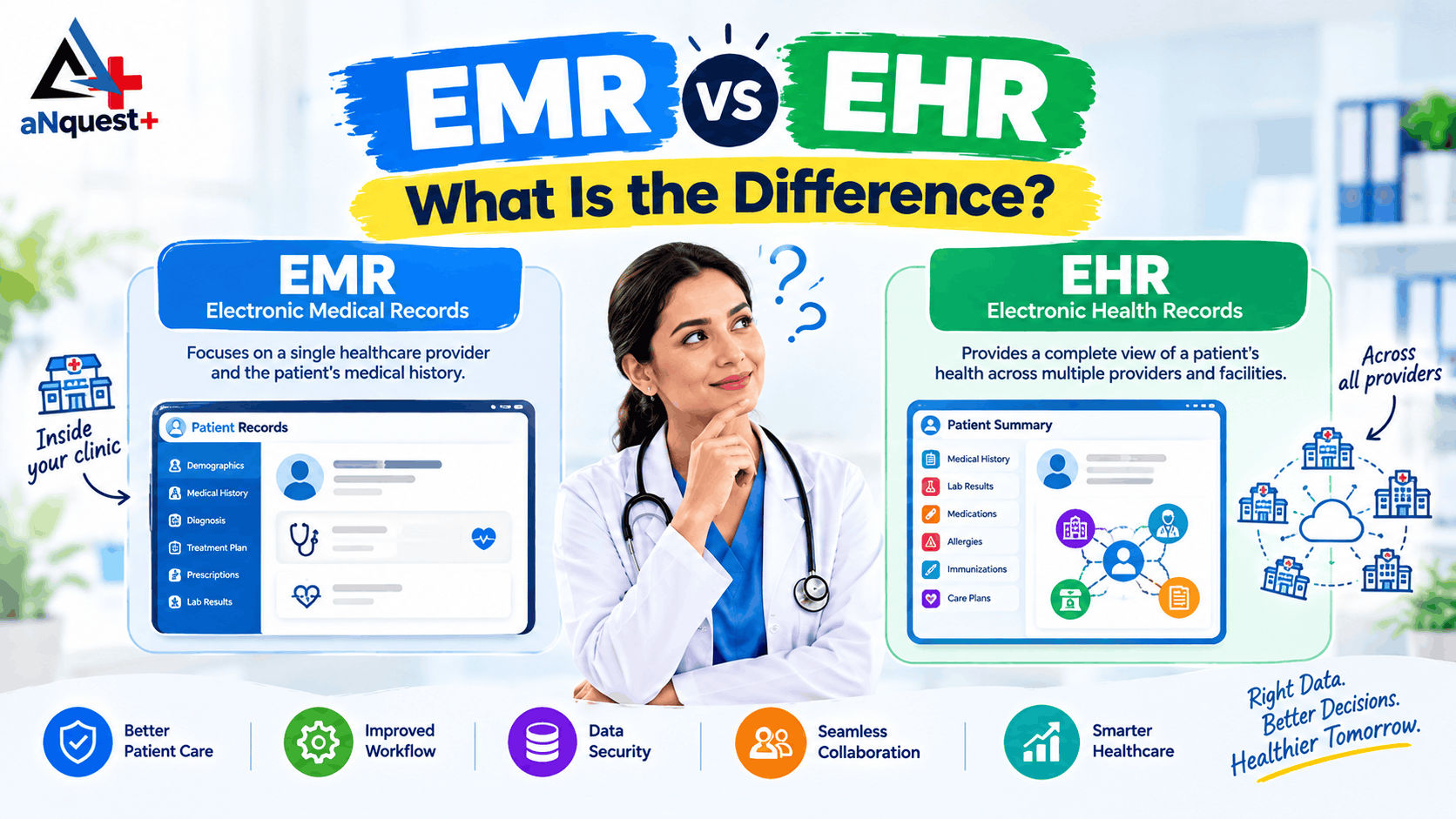
How is an EMR different from an EHR?
An EMR is the digital chart inside one practice. An EHR is designed to be shared across care providers such as laboratories and specialists, giving a broader view of a patient's care. For the full comparison, including a side-by-side table, read our guide to EMR vs EHR.
What should Indian clinics know about ABDM?
The Ayushman Bharat Digital Mission (ABDM) is India's national digital health programme, run by the National Health Authority. Its core idea is the ABHA, a 14-digit health ID that lets a patient's records be linked and shared across providers, but only with the patient's consent.
For a clinic, this means your EMR can do more than store charts. If the software is integrated with ABDM, it can take part in that consent-based exchange. Not every product is, and "ABDM-ready" can mean different things on different brochures. Ask the vendor what works today, and check current National Health Authority guidance for your type of facility.
What about my old records? How does data migration work?
Your existing records don't have to be lost or retyped from scratch. Good migration follows a simple order:
- List what you have: paper files, registers, spreadsheets, an older software export.
- Map each field (name, age, history, prescriptions) to its place in the new system.
- Clean duplicates and obvious errors before moving anything.
- Test with a sample of records and check them against the originals.
- Move the rest, and keep the old records safe until your team is confident.
Ask any vendor to explain how they handle each step, and who checks the result.
How do I pick the right EMR software?
Check these points before you commit:
- Simplicity: can your front desk learn it within days?
- Coverage: records, appointments, prescriptions, billing and inventory in one system.
- Data migration: safe mapping, cleaning and validation of your existing records.
- Communication: WhatsApp, SMS, lab and pharmacy connections.
- Mobile access: works on a phone as well as a computer.
- Pricing: clear costs with no hidden licence fees.
- Security: access controls, backups and audit logs.
- Support: training and help after go-live.
For a longer checklist built for Indian practices, see our EMR software buying guide for India.
How does aNquest+ fit in?
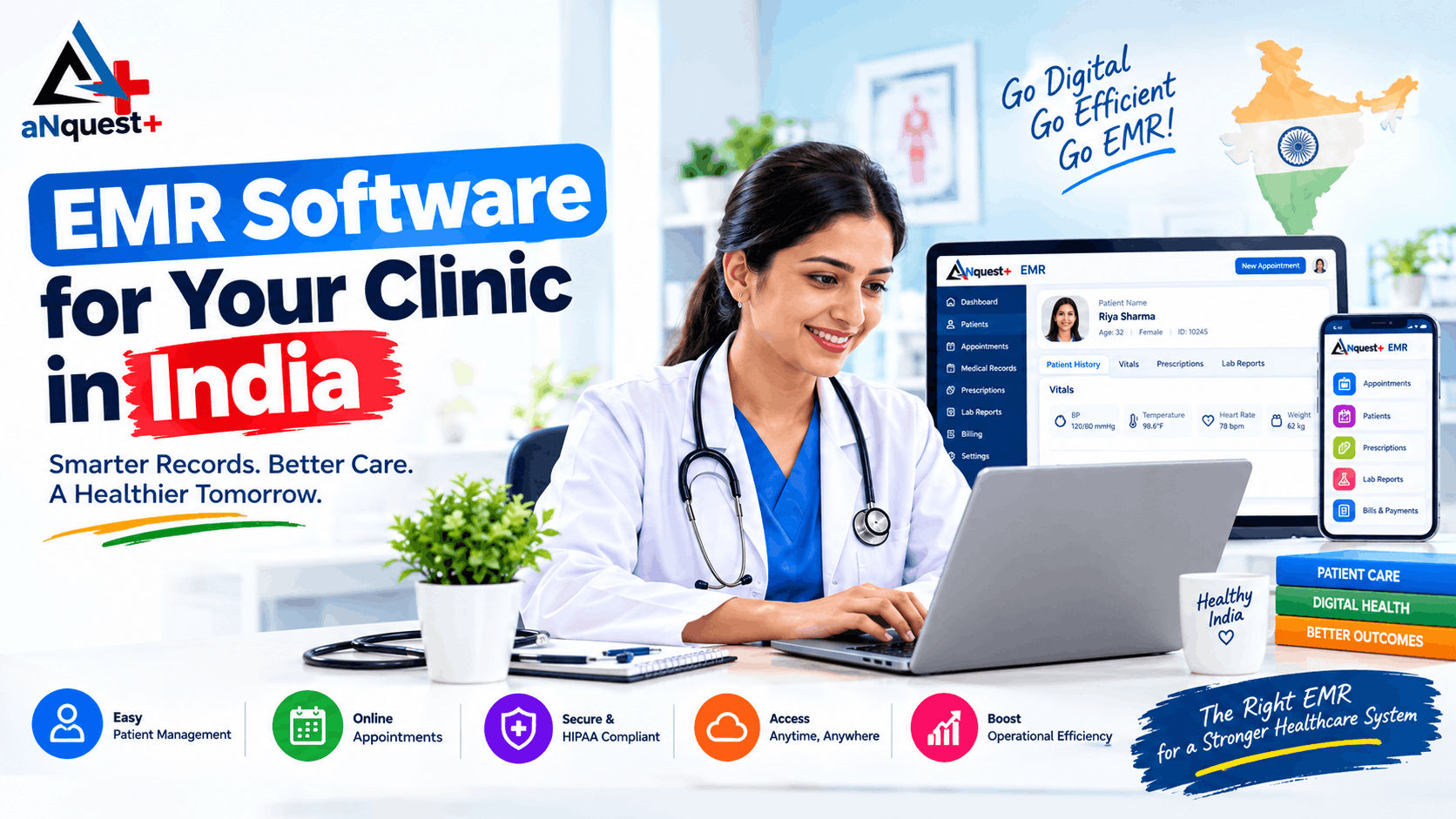
aNquest+ builds EMR tools for Indian doctors and clinics. The aNquest+ EMR app lets doctors, nurses and clinic staff work with patient records, e-prescriptions, appointments and shared dashboards from a smartphone, with role-based permissions, audit trails and encrypted data in transit.
A few details that matter when you compare systems:
- Patient-side connection: when synced with DoctQuest, patients can view prescriptions and book appointments with verified doctors.
- Integrations: WhatsApp, telephony, SMS, diagnostics and pharmacy.
- Migration: one-click secure migration of existing patient data.
- Scope: 50+ clinical modules, with analytics for larger hospitals.
- ABDM: built on an ABDM-ready architecture. Ask the team which ABDM features are available for your setup.
You can also see the wider range on the aNquest+ services page.
Frequently asked questions
How does EMR software simplify patient data management?
It keeps every patient detail in one digital record that is searchable, shareable across departments and protected by access controls, so teams spend less time on paperwork.
What are the biggest benefits of EMR software?
Faster record retrieval, fewer handwriting errors, traceable prescriptions, automated reminders, simpler billing and clear reports.
Can EMR software work for a very small clinic?
Yes. Small teams often benefit most because it frees staff time from filing and follow-up calls.
Will my existing records be lost during the switch?
Not with proper data migration, where old records are mapped, cleaned and validated before they move into the new system.
Is it safe to store patient data digitally?
It can be, when the system has role-based access, backups and audit trails, and when staff follow good security habits.
How long does implementation take?
It depends on clinic size, the amount of data to migrate and training needs. Ask the vendor for a realistic written timeline.
Can an EMR reduce missed appointments?
It can help. Automated scheduling and reminders, including WhatsApp messages, make it easier for patients to remember their visits.
Is EMR the same as EHR?
No. An EMR is a digital chart within one practice, while an EHR is built to be shared across providers.
Conclusion
EMR software simplifies patient data management by doing a few things well: it keeps every record in one place, captures details once, makes them easy to find, connects departments and protects information with proper access controls. The result is less time on files and more time with patients.
If your clinic still runs on paper, registers or scattered spreadsheets, now is a good time to see what a connected system can do. Request a quote, contact the aNquest+ team, or message them on WhatsApp.